

Family Tip 2: Check in about online life.
Just like you'd ask your kid about their sleep, exercise, and eating, stay on top of their online life. Who are they chatting with? How do people treat each other in the games and on the sites they're using?


3rd grade did an amazing job with their book talks today!


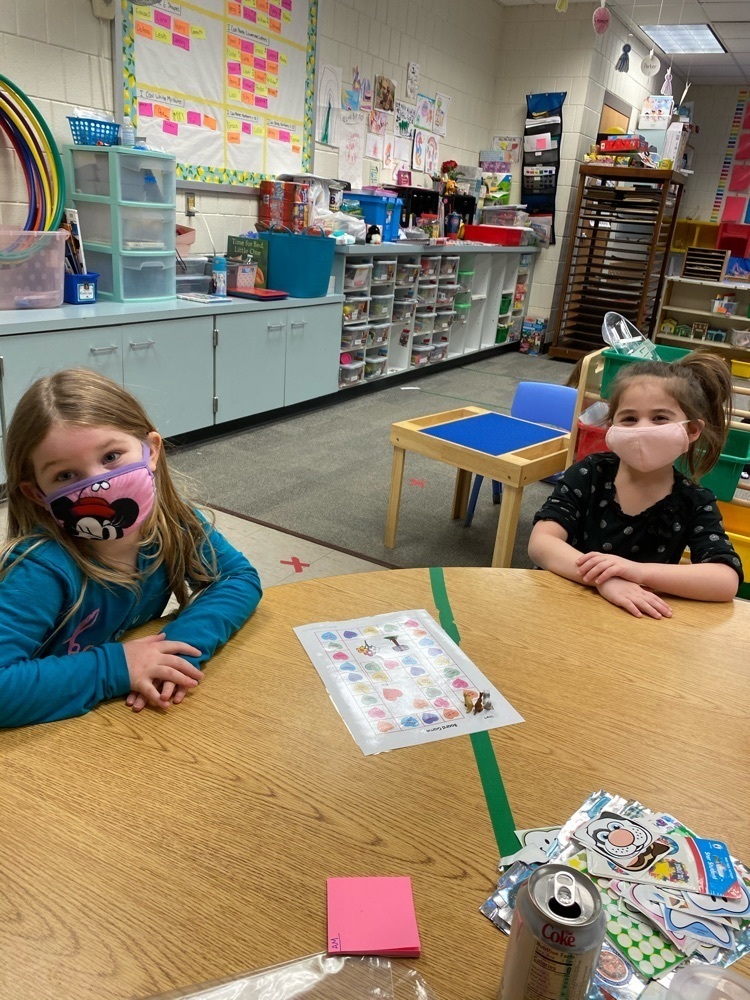
Pre-K has been building their counting skills by playing board games.

First graders got to sit down and read one-on-one with their teacher today. They are growing into amazing readers!

First graders are setting new goals for the month of February! #powerofyet

Video: bit.ly/OlyCBV1
Let's face it: Some online spaces can be full of negative, rude, or downright mean behavior. But what counts as cyberbullying? Help your students learn what is - and what isn't - cyberbullying, and give them the tools they'll need to combat the problem.

Pre-K students are learning about community helpers!


First grade took advantage of the sunshine and took a walk on Wednesday!


Fourth grade poets are sharing their poetry collections with their peers.

Family Tip 1: Define your terms
Make sure kids understand what cyberbullying is: repeated and unwanted mean or hurtful words or behavior that occur online (through texts, social media posts, online chat, etc.).

Discussion around common parental concerns.
Once kids go online, their chances of finding cyberbullies, haters, and trolls is, sadly, quite high. Find age-specific guidelines, videos, and articles to help with tough conversations -- whether your kid is a bully or is being bullied. Explore answers to all your cyberbullying questions, age-appropriate advice, school resources, and more from parents and experts.
https://www.commonsensemedia.org/cyberbullying

Fourth graders made a model of an eye to find out why some people have blurry vision.

Fourth graders completed experiments today with crumpled paper and pencils to see if a robotic hand would work just like a human hand.

Fourth graders made a robotic finger to help explain how a real finger bends.

Fourth graders are dealing out 2-digit numbers and working on their multiplication skills.

Wikipedia.org is where millions of people stop first for information. Tools like it are what make the internet so valuable. But they also teach an important lesson, one you can start teaching your kids now: don’t believe everything you read.
Family Tip Sheet: bit.ly/OlyNMFR2


Website Update: The sites are now up and running! If you experience a warning page when navigating to your building's site, you can safely proceed past it. That issue will also be resolved soon. Thank you for your patience and we hope you find the new site beneficial!
Website down @ 12:00 PM.
We are doing a visual refresh of our website at noon today. There will be some downtime, but we should be up and running before long! If you would like a sneak peak and a tour of the new layout, checkout this video:
https://youtu.be/FTG2kREb3Cw

Fearless Fact Finding!
Check out this list of trustworthy resources to help you learn what's true (and what is not!) on the web. You can even use one of them to look back in time and what was on a website in the past!

Fake News & Media Messages Tip #5: Choose a Variety of Sources.
Show your children how you get news and information from different places, and explain how you make your choices. Use words like "credible," "trustworthy," "respected," and "fair." Ask them where they get their information, and if they think about those same words when choosing. As kids get older, introduce the ideas of bias, satire, and clickbait.
